



Firmware and Software: Key Differences Explained
Put simply, firmware is made up of vital, built-in instructions stored on read-only memory (ROM) or flash memory. It’s embedded so a hardware device knows what to do as soon as it wakes up with no user commands needed to start. The moment a router powers on, a fitness tracker starts, or a smart lock clicks shut, it’s firmware that makes it happen first.
Software covers more ground: from your operating system (OS) to a wide range of apps and tools. Unlike firmware, software can be installed, updated, or removed, much like updating a restaurant’s menu.
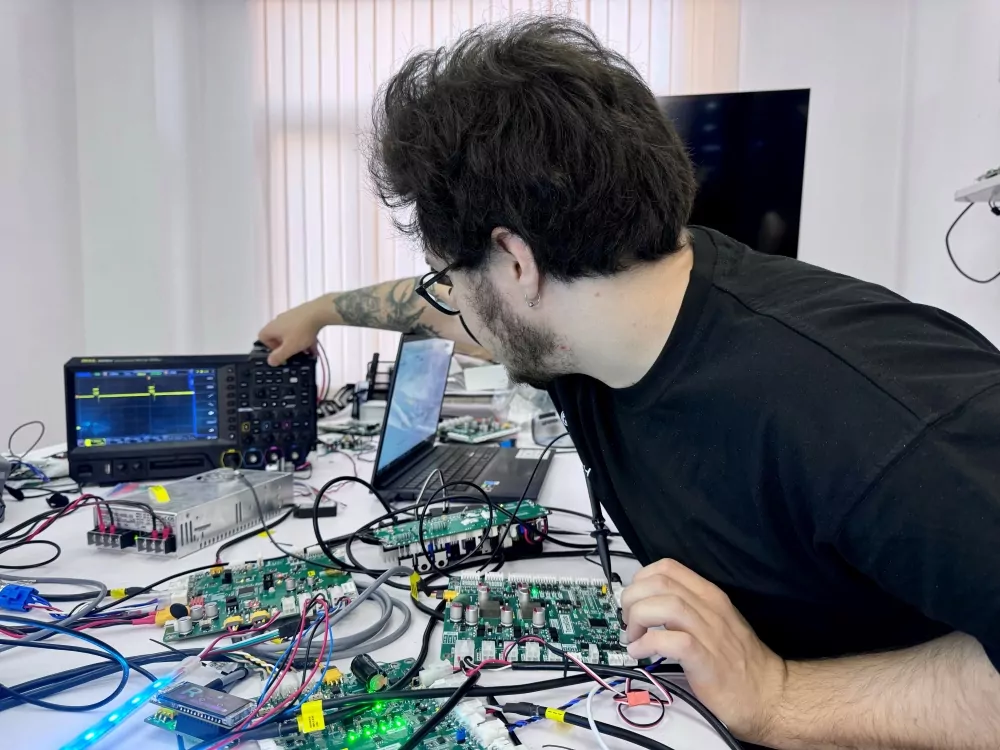
Most software lives on a hard drive or cloud and only runs when the user calls for it. Software can interact with many kinds of hardware if the OS supports them. But firmware is usually custom-built for a single device or chip, making it harder to change after shipping.
- Firmware is essential and permanent, providing core instructions to hardware.
- Software is flexible, can be removed or updated, and sits above the hardware layer.
The interaction between firmware and software also creates a chain of trust. Firmware boots first, checks the hardware, and loads the operating system. A compromised or mismatched firmware, perhaps from a rushed update, can cause software updates to fail or introduce security holes.
That’s why managing versions and using careful update protocols is critical. Our team at AJProTech has seen how investing in smart firmware design early can save huge headaches and a lot of money for both users and companies down the line.
| Firmware | Software | |
| Primary Role | Enables hardware to function from the moment it powers on | Provides features, tools, and functionality for users |
| Where it Lives | Embedded in the device or chip (ROM/flash) | Installed on a hard drive, SSD, or cloud |
| Flexibility | Difficult to change; updates are rare and sensitive | Easy to install, update, modify, or remove |
| Impact of Issues | Can break hardware behavior or prevent the OS from loading | Can malfunction but usually less catastrophic |
| Update Risk | High — must follow strict, controlled protocols | Moderate — updates are routine and reversible |
Types of Firmware and Their Role in Devices
Every gadget relies on a hidden recipe: its firmware. Firmware is stored in read-only memory (ROM) or flash storage, sitting very close to the hardware, well below any apps or screens.
- Smart TVs – sense the remote thanks to their firmware.
- Routers – manage network traffic and security straight from firmware.
- Smartwatches – deliver vibrations and track your movements using specialized firmware.
Even your printer, which loves pretending it’s out of ink, depends on firmware to interpret signals and talk to sensors. Phones, smart fridges, thermostats, they all need firmware for basics. Without it, hardware would be as useful as a brick with a digital clock taped on.
Firmware comes in several types:
- Fixed firmware: Stored in ROM, never updated (think old game consoles or early microwaves).
- Flash-updatable: Most modern devices use flash, letting manufacturers update firmware to fix issues or add new features.
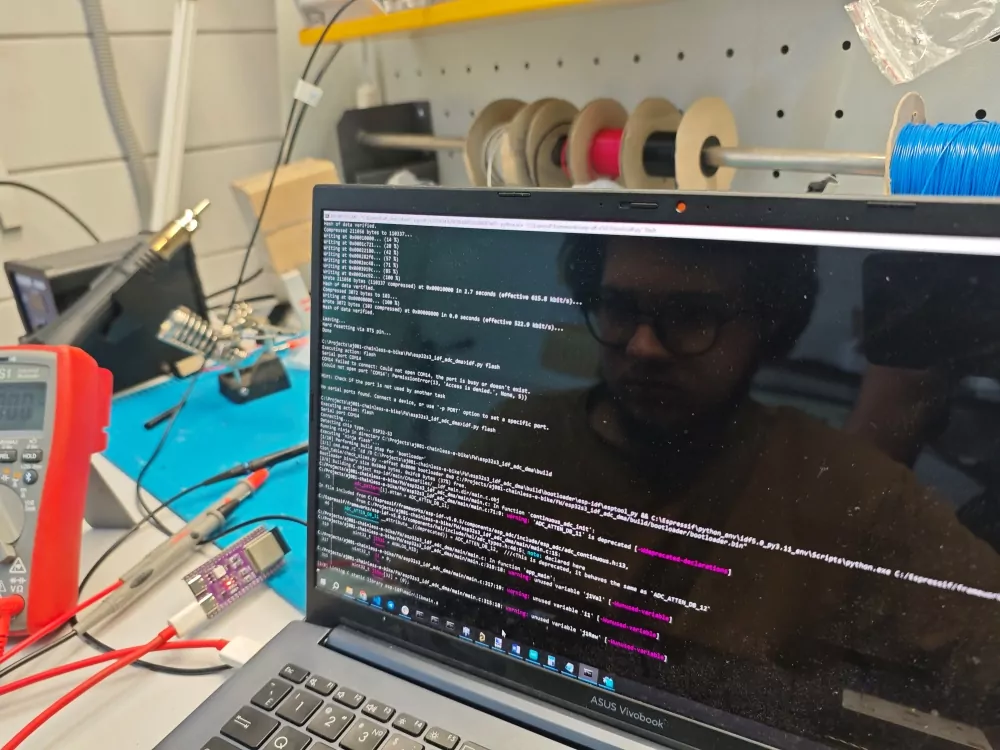
Some devices use tiny firmware packages, while others (like industrial robots) run complex firmware, bigger than an old MP3 player’s operating system.
Firmware Version and Why You May Need Firmware Updates
Every firmware has a version: a kind of birth certificate for your device’s code. Manufacturers track these versions to introduce tweaks, fix bugs, or respond to issues found in the wild.
Why update firmware?
- To fix annoying glitches
- To add new features
- To patch security issues and stop hackers from taking control.
But firmware updates are risky. If you unplug or interrupt the process, your device might be left unusable. Manufacturers take extreme care, testing updates thoroughly, since a mistake could affect thousands.
For companies creating connected devices keeping firmware updated and secure is vital. Out-of-date firmware becomes a major risk: attackers who break through software defenses can control a device deep inside, making detection and repair difficult.
This is why safe update procedures and version management matter in IoT product development. It’s not just paperwork, it’s essential protection for both users and vendors.
A Closer Look at Developing and Updating Firmware for Your Products
Why does understanding the differences between firmware matter for device creators? From the start, developers must analyze firmware, literally and figuratively. Software can run just about anywhere, but firmware is made for one specific machine. Its close relationship with the CPU and circuitry means early decisions about what logic belongs where are crucial.
- Too much logic in firmware makes a device hard to improve and risky to update.
- Too much in software means missing out on performance by not talking straight to the hardware.
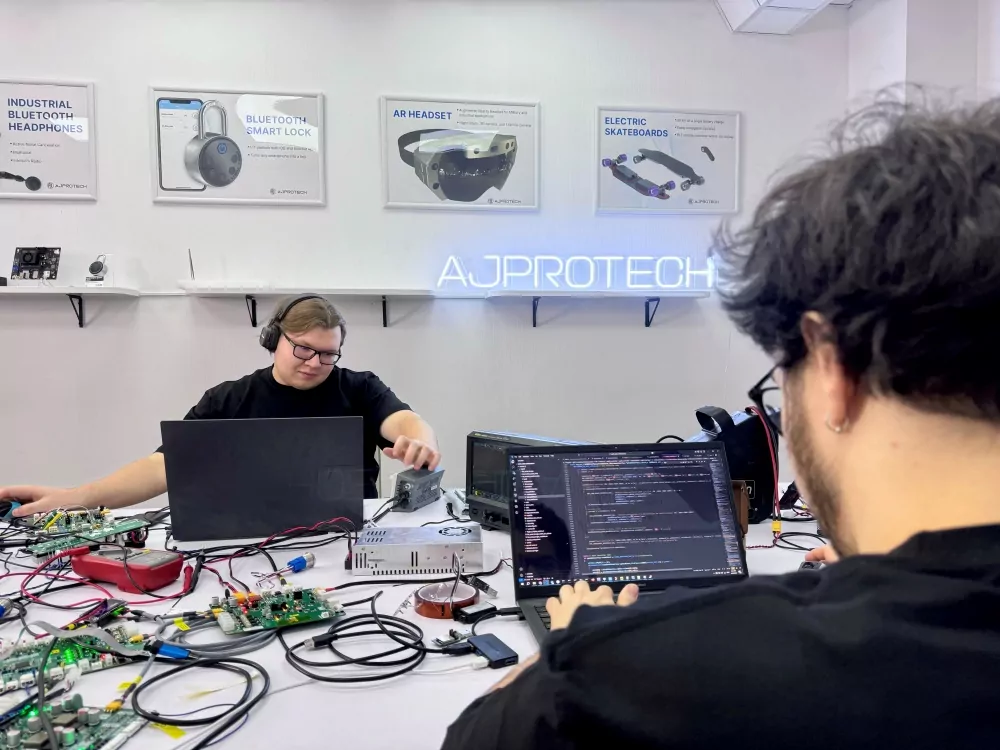
At AJProTech, our team uses special tools to embed firmware into all sorts of products, from trackers to appliances. We plan how firmware and software share messages, memory, and work with the operating system. Since one tiny bug in firmware can stop a device cold, tough tests are a must.
Version control is also vital. Mismatched firmware and software can keep a device from starting, connecting, or acting as expected. In hardware engineering, well-planned firmware logic and clear update strategies remain the core of reliable product building, one line at a time.
Firmware Update: Security and Reliability Impacts
Pressing “update” is easy for software: if it fails, just reinstall. But a failed firmware update can “brick” your hardware device, turning it into an expensive paperweight. Since firmware is burned right onto the device in ROM or flash storage, updates must be handled with care.
- Firmware updates fix security gaps or add new features but are rare and risky.
- A software update can usually be reversed or repaired more easily.
Security is huge: if hackers break into firmware, they can control the device at its lowest level. A router with unpatched firmware can be hijacked, and a compromised smart lock can be unlocked from anywhere.
Hidden flaws sometimes surface only after attempting a firmware update, forcing a tough choice: risk bricking the device, or stick with something outdated and vulnerable.
For firmware and software, both need regular attention, but firmware needs tested, careful handling, often with real hardware tools and simulations. Handled well, firmware means reliability. Ignored, it becomes a risk.